Tattoo design to vector for flash sheets, prints and merch
Your flash goes soft when you size it up for a print, or the merch printer wants vector art. Trace your line work into crisp SVG that scales to any size.
Drop your tattoo design here
Drag and drop an image, or click to choose a file.
Choose imagePNG, JPG, WEBP, BMP, GIF
The converter opens with the recommended settings below. Open the converter without a file
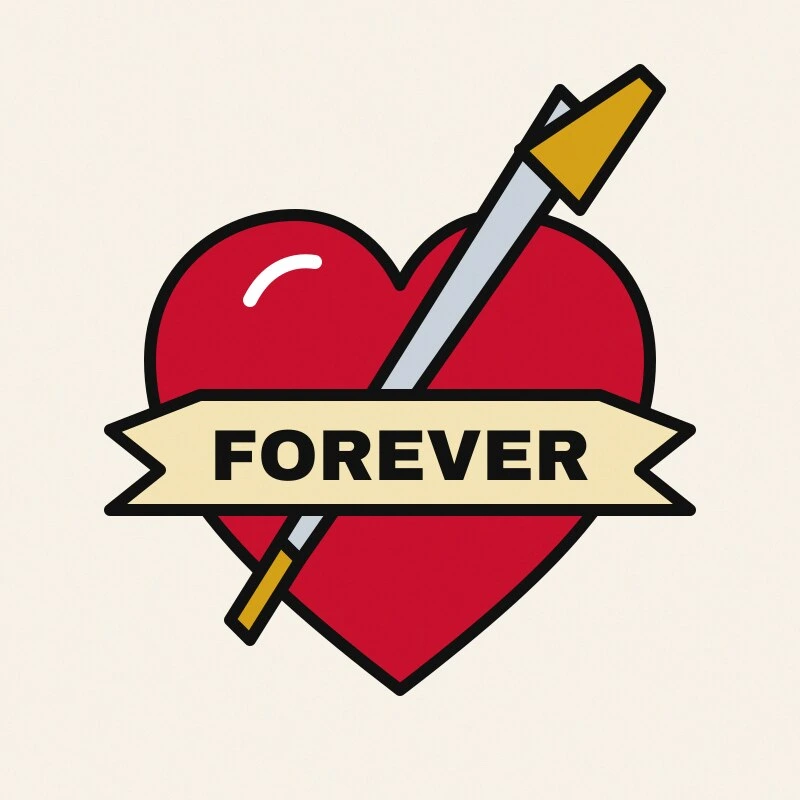
Original raster
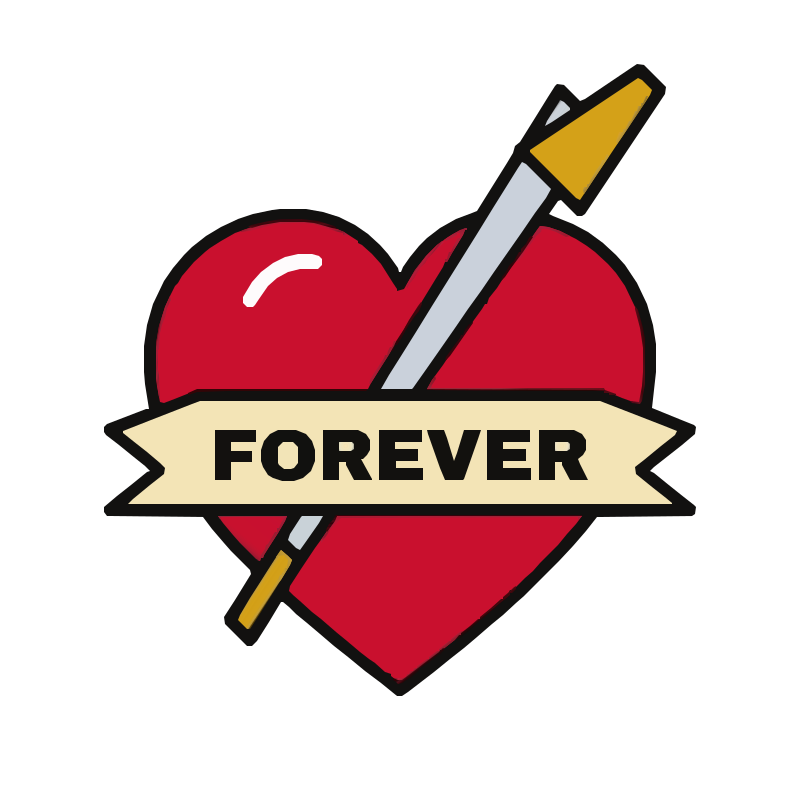
SVGR vector
How to turn a tattoo design into a vector
- Finish the line work. Ink or draw the final lines in solid black. Hide sketch layers, paper texture and any shading you don't want traced.
- Export or scan. From Procreate or another drawing app, export a PNG at full canvas size. For paper drawings, scan flat at 300–600 dpi.
- Upload and convert. Drop the file above and the Tattoo Flash preset is applied. Converting and previewing are free and need no account.
- Inspect the lines. Zoom in on fine lines and dotwork. Lines should be solid with hard edges. Raise Quality a step if thin lines break up; lower it if texture shows up as specks. Look for soft gradient fills.
- Download and use it. Download the SVG or PDF for one credit, then scale it for a flash sheet, a print or a merch file.
Recommended settings
Why tattoo artists vectorize their line work
A drawing exported at tablet resolution gets soft and jagged when you scale it up for a poster, a sticker run or a shirt. Converting a tattoo design to vector turns the lines into shapes that stay sharp at any size, so one drawing can serve a flash sheet, a print and your merch.
- Resize a sketch without blur: scale a small drawing up to a full-page print, or down to a sticker.
- Clean up wobbly lines: tracing smooths small jitters into even curves.
- Build flash sheets: turn each design into a tattoo flash vector, arrange them on one page and print at any size.
- Make merch files: printers and merch vendors commonly ask for vector art or a high-resolution file.
From Procreate to SVG
Procreate paints in pixels, so even clean digital line work is a raster image. To take a tattoo design to vector, export the finished lines as a PNG at full canvas size and trace that file.
Work on a large canvas. More pixels per line means smoother curves and fine lines that survive tracing. Keep line work on its own layer so shading and color stay out of the file you trace.
Stencils, shading and what a thermal printer can print
Thermal stencil printers are binary: every spot is either black or blank. Soft shading, gray wash and gradients print as speckle, so a stencil needs clean line work only.
For a tattoo stencil SVG, trace the line layer on its own and keep the shading in your reference image. Print it at the size you need from whatever app drives your stencil printer; check its documentation for the file types it accepts.
The Tattoo Flash type always runs color refinement, which can fit gradient fills to shaded or soft-edged areas. They look smooth on screen but print as speckle on a stencil. Remove shading from the source, or delete the gradient shapes in a vector editor.
Getting a tattoo? You probably don't need a vector
If you're bringing a design, a loved one's handwriting or a photo of artwork to a shop, the artist usually doesn't need a vector file. Shops ask for a clear, flat, well-lit photo or scan at the highest resolution you have, and they clean it up and redraw it themselves.
A traced version can smooth away details the artist would want to see. Send the original, and ask your artist what they prefer.
Limits to know before you convert a tattoo design to vector
- Filled outlines, not single lines. Every line becomes a thin filled shape with two edges. That prints like your drawing, but it won't work for a pen plotter or any tool that needs one centerline.
- Shapes are stacked, not cut out. The white area inside a closed outline, like the center of a rose, is a separate shape on top, not a hole. Transparent background removes only the outer background, so on a colored shirt, delete those inner shapes or cut real holes with Path > Difference in Inkscape.
- Shading doesn't carry over as shading. Stippling traces as dots only if the dots are large enough to survive the Quality setting; soft pencil or brush shading becomes specks or gradients.
- SVG and PDF only, no AI or EPS. If a vendor insists, open the SVG or PDF in Illustrator or Inkscape and save it in that format. The PDF is a vector PDF your printer can scale, in RGB with no bleed.
- It won't redraw your art. Tracing smooths tiny jitters but keeps the drawing as it is.
- Transparent background removes the shape painted in the color found at the image corners, which is what people mean by the background. If your artwork bleeds into all four corners, or the corners are different colors, nothing is removed and the background stays — give the artwork a plain, even margin and convert again. Areas fully enclosed by artwork are never removed, and a PNG that already has a transparency channel is left as it is.
- Curves are traced as many short straight segments. Traced from a small image, they can look slightly angular when enlarged, so start from the largest copy you have.
Frequently asked questions
Do I need a vector file to get a tattoo?
Usually not. Shops want a clear, flat, well-lit photo or scan at the highest resolution you have, and they prepare the stencil themselves. Ask your artist before converting anything.
Can I convert a tattoo to SVG straight from Procreate?
Yes, with one step in between: export the line work as a PNG at full canvas size, then upload it here. Converting and previewing are free; downloading the SVG or PDF costs one credit.
Will my shading come out in the vector?
Not the way you drew it. Soft shading traces as specks or gradient fills, and on a thermal stencil it prints as speckle. Trace the line work on its own for stencils and flash outlines.
Why does my traced flash have gradients in it?
The Tattoo Flash type always runs color refinement, which can fit gradients to shaded or anti-aliased areas. Remove shading from the source, or delete the gradient shapes in a vector editor.
Can I print a stencil from the SVG?
You can trace clean line work and print it at the size you need. Whether your stencil printer or its app opens SVG or PDF directly depends on the model, so check its documentation.
Will the lines be single strokes?
No. SVGR outputs filled outlines, so each line is a thin shape with two edges. It prints like your drawing but won't work for tools that need centerlines.
Can I print a flash sheet at poster size?
Yes. The SVG scales without pixelating, and the PDF is a vector PDF your printer can scale. Start from a large, clean export so fine lines survive tracing.
Related use cases
Ready to convert?
Converting and previewing are free, with no account needed. Downloading the SVG or PDF uses one credit.