AI logo to vector: make your generated logo scale
Your ChatGPT or Midjourney logo looks fine on screen but goes blurry on a banner, and the printer wants a vector file. Drop the PNG, JPG or WebP here and get an SVG or vector PDF.
Drop your AI logo here
Drag and drop an image, or click to choose a file.
Choose imagePNG, JPG, WEBP, BMP, GIF
The converter opens with the recommended settings below. Open the converter without a file
Original raster
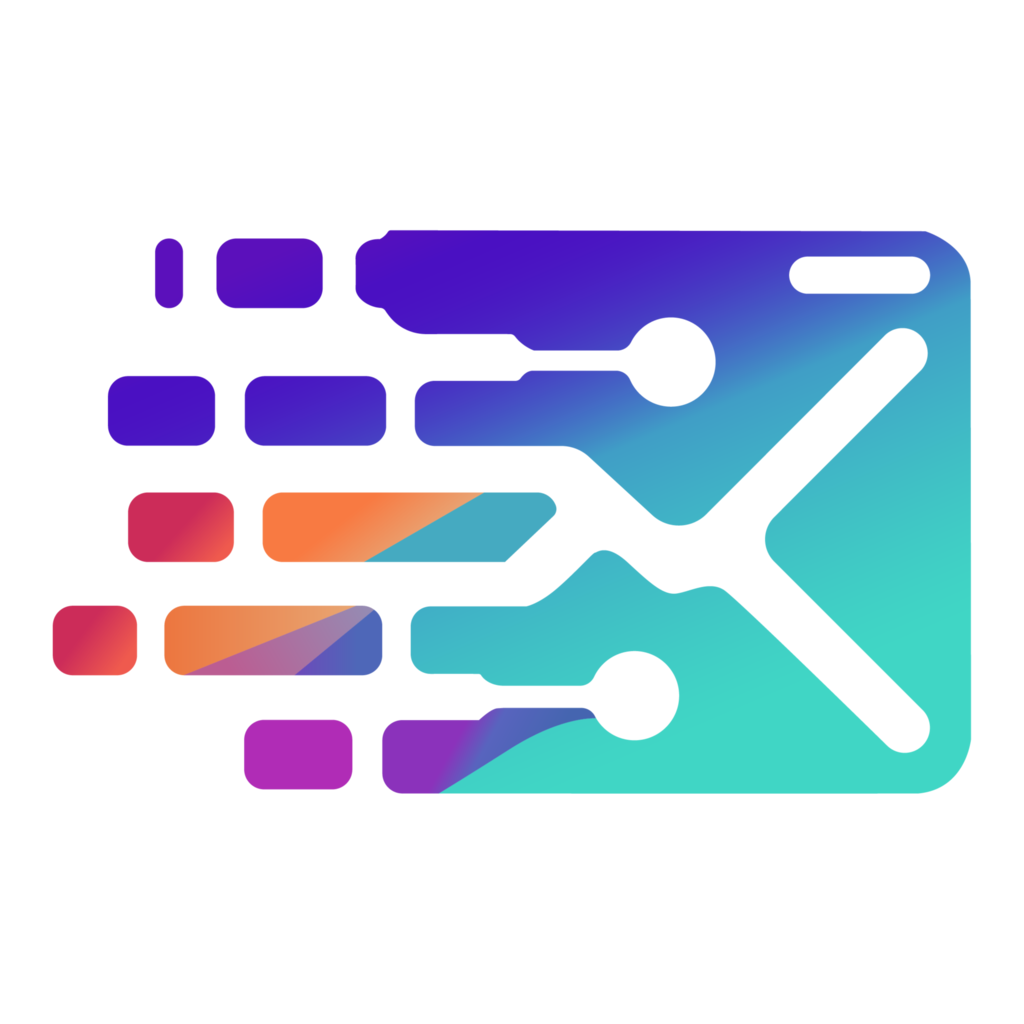
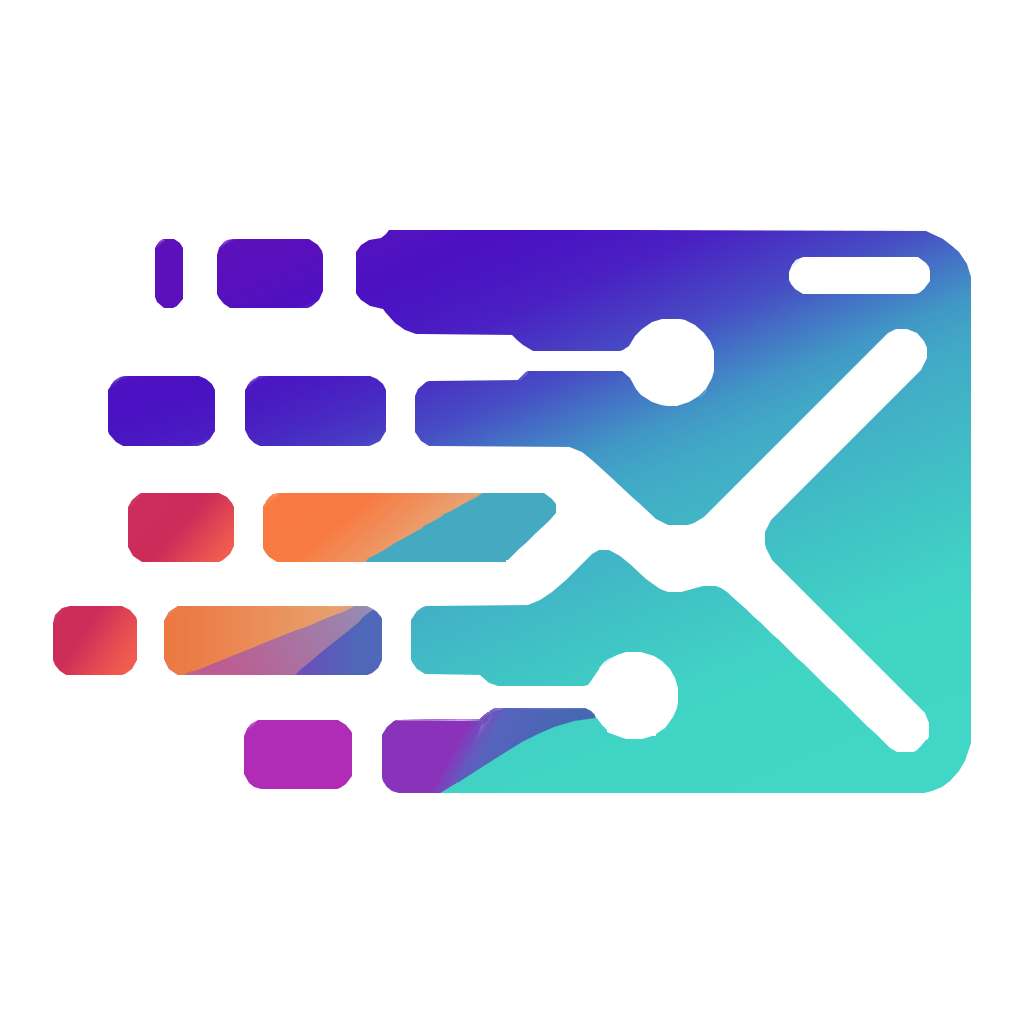
SVGR vector
AI logo to vector in five steps
- Download the full-size image. Save the full-size file from the generator, not a thumbnail or a screenshot. PNG, JPEG and WebP all work.
- Prefer a flat version. If the generator can make a version without shadows or glows, use that one. Flat shapes trace cleanest.
- Drop it in. Drop the file above (PNG, JPG, WEBP, BMP or GIF, up to 15 MB). The Infographic settings below are applied for you.
- Check edges and gradients. Zoom in on curves, small lettering and gradient areas. If you need flat color for printing or cutting, switch Image type to Logo and convert again.
- Download. Converting and previewing are free and need no account. Downloading the SVG or PDF costs one credit.
Recommended settings
Why your AI logo goes blurry when you make it bigger
AI image generators produce pixels. ChatGPT's image generation saves PNG, WebP or JPEG files, not SVG, and image generators such as Midjourney and Gemini hand you a picture too. Turning an AI logo to vector shapes lets it scale from a favicon to a storefront sign without going soft.
Logo makers often split formats by price. At the time of writing, Looka's $20 Basic package is PNG only, and SVG, EPS and PDF files start with the $65 Premium package. If you already have the PNG, you can trace it here to get a Looka logo SVG.
Isn't it easier to ask ChatGPT for an SVG?
You can ask a chatbot to write SVG code directly, but that's a different thing. It writes new, hand-coded shapes, which usually come out simpler than the image it generated and may not match it.
Tracing works the other way around: it starts from the image you already like and reproduces its shapes and colors. If you're happy with how it looks, turning your ChatGPT logo to SVG by tracing keeps that look.
Gradients, soft shadows and glows
Gradients and soft shadows are where auto-tracers struggle, and AI logos use a lot of both. A shadow or glow has no edge, so any tracer has to invent one.
For an AI logo to vector conversion that keeps the gradient, this page presets the Infographic type. It fits real linear and radial SVG gradients to those areas while keeping flat shapes crisp.
Some destinations want flat color instead: screen printers, vinyl and cutting machines and Canva often mishandle gradients. For those, switch Image type to Logo, which flattens each gradient into solid color.
For shadows and glows, the cleanest route is a version without them. Ask the generator for a flat logo, or remove the effect in an image editor before uploading.
Midjourney and Gemini logos: start from the biggest image
Midjourney renders at 1024x1024 by default, and its upscalers double that to 2048. For a Midjourney logo to SVG conversion, use the upscaled or HD 2048-pixel version if you have it, because more pixels give the tracer cleaner edges.
Want a Gemini logo SVG? Download the full-size image rather than taking a screenshot, and crop to the logo with a little margin around it.
AI logo generators that give you raster files
Many AI logo tools export PNG or JPG by default or on their lower tiers. A file from any of these can be traced here. If your plan already includes an SVG or EPS, use that file instead, because an original vector is more exact than any trace.
- Looka
- Brandmark
- Hatchful by Shopify
- LogoAI
- Designs.ai
- Tailor Brands
- Turbologo
- Logo.com
- ChatGPT
- Gemini
- Midjourney
AI logo to vector: what to expect and what to check
- Close, not identical. Curves and corners can shift slightly, so zoom into the free preview before you download.
- Mistakes carry over. If the generator warped or misspelled a letter, the trace copies it. Fix the lettering in an editor afterward.
- Stacked shapes. The hole in an 'O' is a background-colored shape on top, not a cut-out. For cutting or recoloring, subtract those shapes in your editor, for example with Inkscape Path > Difference or Cricut Slice.
- Transparency. Transparent background removes only the outer background, and it is skipped for files that already have a transparency channel. If a white box remains, save the image without transparency and convert again.
- Trademarks. Whether you can register an AI-generated logo depends on where you file. Ask a trademark attorney before you build a brand on one.
- Transparent background removes the shape painted in the color found at the image corners, which is what people mean by the background. If your artwork bleeds into all four corners, or the corners are different colors, nothing is removed and the background stays — give the artwork a plain, even margin and convert again. Areas fully enclosed by artwork are never removed, and a PNG that already has a transparency channel is left as it is.
- Curves are traced as many short straight segments. Traced from a small image, they can look slightly angular when enlarged, so start from the largest copy you have.
Frequently asked questions
Why does my ChatGPT logo look blurry when I make it bigger?
It's a raster image with a fixed number of pixels, so enlarging it stretches them. A vector version is made of shapes and stays sharp at any size.
Can I upload the WebP file from ChatGPT?
Yes. SVGR accepts WebP along with PNG, JPG, BMP and GIF, up to 15 MB, so there's no need to convert it first.
What's the difference between this and asking ChatGPT for an SVG directly?
A chatbot writes new SVG code, which is usually simpler than the image and not an exact match. SVGR traces the image you already have and keeps its shapes and colors.
Does SVGR keep the gradients in my AI logo?
Yes, with the Infographic type preset on this page, which fits real SVG gradients. If you need flat color for printing or cutting, switch to Logo, which flattens them to solid color.
My Looka logo came as a PNG. Can I get an SVG?
Yes, trace the PNG here. If your Looka package includes SVG, EPS or PDF files, those originals will be more exact than a trace.
Will the converted logo be editable?
Yes. Each color area becomes a shape you can move or recolor in Illustrator, Inkscape, Figma and similar apps. Letters are shapes too, unless you turn on Recognize text.
Can I trademark a ChatGPT-generated logo?
It depends on the country and on how the logo was made, so ask a trademark attorney. Nothing on this page is legal advice.
Related use cases
Prefer a short walkthrough? Read the tutorial: Convert AI Logos to SVG
Ready to convert?
Converting and previewing are free, with no account needed. Downloading the SVG or PDF uses one credit.