Sketch to vector: turn a drawing into a scalable SVG
Your scan looks fuzzy on a mug mockup, or the print shop asked for vector art. Upload the drawing and get smooth vector shapes that stay sharp at any size.
Drop your sketch or drawing here
Drag and drop an image, or click to choose a file.
Choose imagePNG, JPG, WEBP, BMP, GIF
The converter opens with the recommended settings below. Open the converter without a file
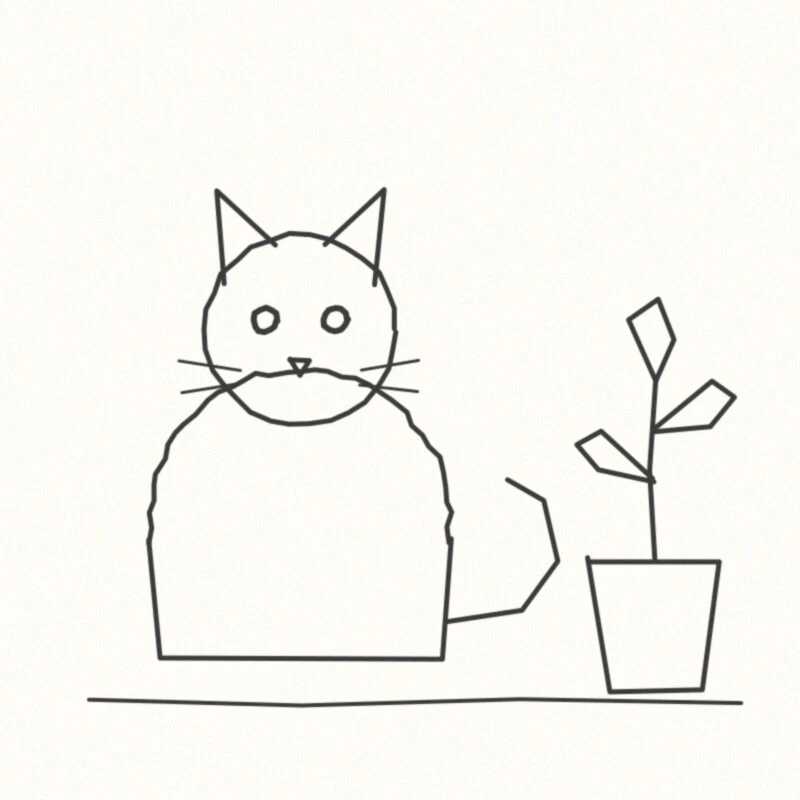
Original raster
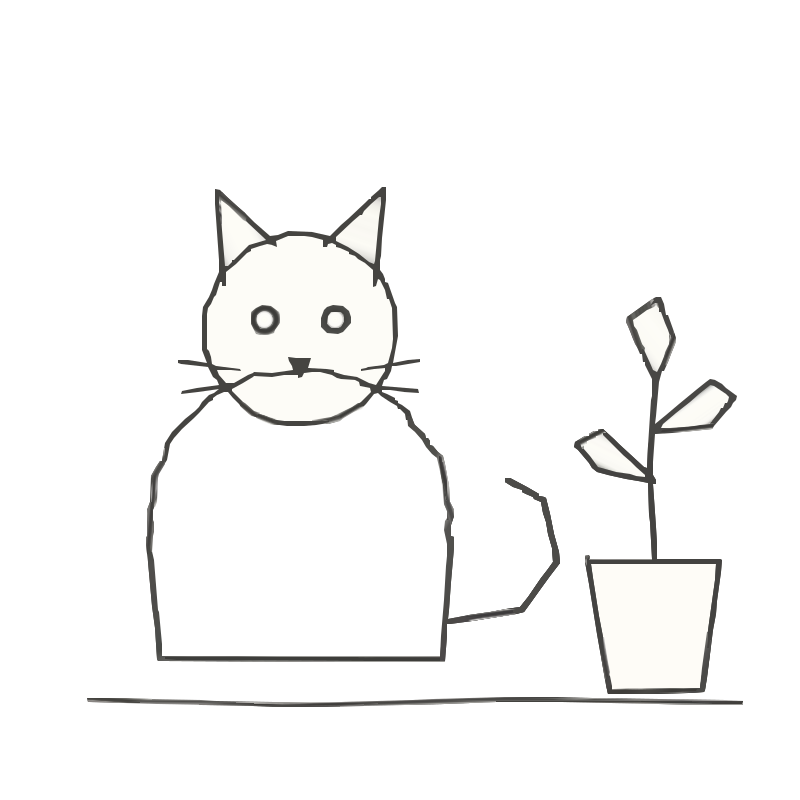
SVGR vector
How to turn a sketch into a vector
- Clean up the drawing. Erase construction lines and smudges, then go over the lines you want to keep in dark ink or marker.
- Scan or photograph it. Scan it flat at 300–600 dpi, or photograph it straight on in even light with no shadows. Crop close to the drawing.
- Upload and convert. Drop the PNG or JPG above and the Line Art preset is applied for you. Converting and previewing are free and need no account.
- Check the preview. Zoom in on thin lines and on the areas inside closed shapes. Lines should be solid black with clean edges. If fine hatching disappears, raise Quality a step; if paper grain shows up as specks, lower it.
- Download and use it. Download the SVG or PDF for one credit. Recolor it in a vector editor, or export a PNG at the exact size your print service asks for.
Recommended settings
Why a scanned drawing blurs when you print it big
A scan is a grid of pixels. Stretch it across a tote bag or a book cover and the edges go soft and jagged, and pencil grain turns into gray fuzz. A sketch to vector conversion replaces the pixels with shapes described by math, so the lines stay crisp at any size.
Going from drawing to SVG only keeps what is in the source, though. A clean, dark, high-contrast drawing gives clean shapes. A faint, smudged one gives lumpy shapes and stray specks.
How to prepare a hand drawing before you scan it
- Erase construction lines, guidelines and smudges. In a hand drawing to vector conversion, anything visible in the scan gets traced.
- Ink beats pencil. Go over final lines with a fine liner or marker; graphite is gray and uneven, so it traces as broken or lumpy lines.
- Raise the contrast. In any photo app, push the levels until the paper is white and the lines are close to black.
- Scan flat at 300–600 dpi. A flatbed gives even light; with a phone, shoot straight on in daylight, without the shadow of your hand or phone.
- Save as PNG if you can. JPEG compression leaves specks around lines, and the tracer can keep them.
- Expect crayon, colored pencil and chalk texture to become noise: tiny specks or a rough edge. For a clean result, outline the drawing in marker, or accept the texture as part of the look.
Your lines become filled shapes, not strokes
SVGR traces the outside edges of every line, so each stroke becomes a thin filled shape with two edges. That works well for printing and merch, and it keeps the natural thick-and-thin of a pen line.
It also means there is no stroke-width slider afterwards. To recolor, you change the fill of a shape. To make lines bolder, redraw with a thicker pen and trace again, or add an outline in the same color in a vector editor.
Shapes are stacked rather than cut out: the white inside a closed loop is a paper-colored shape sitting on top of the ink. Transparent background removes only the outer paper, so those inner white shapes stay. On a colored mug or shirt, delete them, or keep them if you want a white fill.
Turning a child's drawing into a mug, tee or book
A child's drawing printed on a mug, a T-shirt or the cover of a family book makes a personal gift. A kids drawing to vector conversion lets you print it at any size without the blur of an enlarged scan.
Bold marker drawings trace well. Waxy crayon is harder: expect a rougher edge and some specks. Scan the original at 600 dpi so there is more detail to work with, and check the preview closely before you download.
Many print-on-demand services ask for a PNG rather than an SVG. Keep the SVG as your master file and export a PNG at the exact size the product needs.
Fine-tuning the result
- Line Art always runs color refinement, which can add soft gradient fills. On clean black ink this is rarely noticeable, but check the preview. If you see gradients where you expected flat color, try the Manga or Comic image type for inked comic work, or Logo for simple flat drawings.
- Quality sets the smallest detail that survives, which is how the anti-aliased fuzz around each line gets removed. The same filter drops anything narrower than a few pixels, so scan at a higher resolution rather than raising Quality when hairlines matter.
- If thin lines break up at every setting, fix the source: scan at a higher resolution or darken the lines. Clean line art to SVG is the easy case; faint pencil is the hard one.
What sketch to vector can't do
- It doesn't produce centerlines. Lines are filled outlines, so a pen plotter or a Cricut pen would draw both edges of every stroke.
- It doesn't keep shading or texture as texture. Soft pencil tones become specks, blobs or gradient fills.
- It doesn't redraw your art. Tracing smooths tiny jitters, but a line that wanders in the drawing wanders in the vector.
- It outputs SVG or PDF only. The PDF is a vector PDF your printer can scale, in RGB with no bleed; ask your printer if they need CMYK or bleed added.
- Transparent background removes the shape painted in the color found at the image corners, which is what people mean by the background. If your artwork bleeds into all four corners, or the corners are different colors, nothing is removed and the background stays — give the artwork a plain, even margin and convert again. Areas fully enclosed by artwork are never removed, and a PNG that already has a transparency channel is left as it is.
- Curves are traced as many short straight segments. Traced from a small image, they can look slightly angular when enlarged, so start from the largest copy you have.
Frequently asked questions
Should I use pencil or ink for a drawing I want to vectorize?
Ink, or at least go over your final lines with a dark marker. Pencil is gray and uneven, so it traces as broken or lumpy lines. If pencil is all you have, scan at 600 dpi and push the contrast before uploading.
Can I recolor the drawing after converting it?
Yes. Every line and area is a filled shape, so select it in a vector editor such as Inkscape, Illustrator or Figma and change its fill color.
Will crayon or colored pencil texture survive?
Not as texture. Grain turns into small specks or rough edges. A lower Quality removes more specks but can also drop thin lines, so for a clean look, trace a marker outline and add color in your editor.
Can I change the line thickness later?
Not with a slider. Lines are filled shapes, not strokes, so there is no stroke width to adjust. Redraw with a thicker pen and trace again, or add a same-color outline in your editor to fatten lines slightly.
Can I print it huge, like a poster or a wall graphic?
Yes. The SVG scales without pixelating, and the PDF is a vector PDF your printer can scale. Detail that wasn't in the scan won't appear at large sizes, so start from a clean 300–600 dpi scan.
Does this work for a pen plotter?
No. SVGR outputs filled outlines, not single centerlines, so a plotter would draw both edges of every line.
Is it free?
Converting a sketch to vector and previewing it are free and don't need an account. Downloading the SVG or PDF costs one credit.
Related use cases
Ready to convert?
Converting and previewing are free, with no account needed. Downloading the SVG or PDF uses one credit.